Template: Welcome messages that get new members to post in their first week
Six copyable welcome messages, from a paid member email to a welcome-back note, each built around one small first step and a worked example.

The short answer
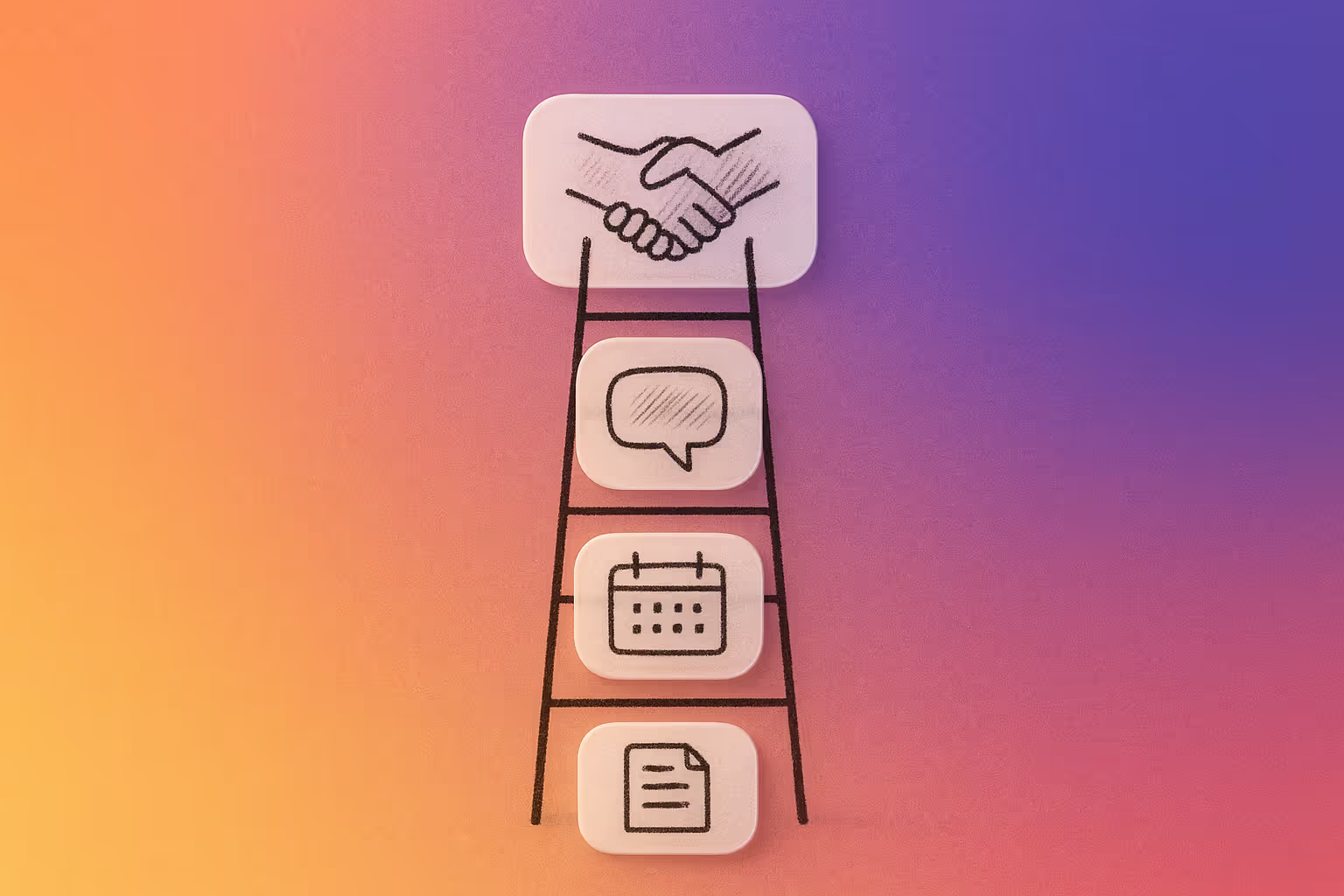
- GreetingTheir name, from a person
- ReasonWhat the group helps people do
- One linkWhere to start
- First stepOne thing to do this week
- HelpWho to ask, and where
- NextThe next call, post, or email
A good welcome message tells a new member why they belong here, what to expect, and the one thing to do first. Keep that first step small enough to finish in a few minutes, like introducing themselves in one thread or booking a kickoff call. If you run a paid community, start with the paid member welcome email below, since it confirms what they just bought and points them to that first step. Then add a short direct message or a public welcome post if your group is small enough to make it personal.
If you're still setting the group up, our guide to building an online community covers the steps before the first member arrives.
This page has six templates: a welcome email for a new paid member, a welcome email for a free group or newsletter, a direct message from the host, a public welcome post, a Discord welcome message, and a welcome-back message for a returning member.
What every welcome message needs
- A real greeting: their name, and who is welcoming them (a person, not "the team").
- The reason they joined: one line on what the group helps people do.
- One link: the place to start, not a list of every page.
- One first step: introduce yourself, book the kickoff call, or read the guidelines. Never more than one.
- Where to get help: who to ask, and where.
- What happens next: the next call, post, or email, with a realistic date.
The templates
Welcome email for a new paid member
Send this as soon as someone joins a paid community. They've just paid, so the email should confirm what membership includes and make the first visit feel easy. It also cuts down on "where do I find..." emails in week one.
Subject: Welcome to [COMMUNITY NAME], [FIRST NAME]

Hi [FIRST NAME],

You're officially part of [COMMUNITY NAME]. Glad you're here.

Your membership includes [MAIN BENEFIT], [SECOND BENEFIT], and a place to talk with [TYPE OF MEMBERS] who are working toward [SHARED GOAL]. The community lives at [COMMUNITY LINK].

Start here: [INTRO THREAD LINK]. Add a quick intro: what brought you here, and one thing you'd like help with this month?

When you're ready, [RESOURCE AREA] and [EVENT CALENDAR] are in the community menu. The next [CALL OR EVENT] is [DATE AND TIME], and the details are at that link.

If you can't find something, just reply to this email and I'll point you to it.

See you in the group,
[HOST NAME]
Worked example: Say you run a paid running club. Your welcome email sends new members to a thread called "What are you training for?" A new member replies, "I'm training for my first 10K," and now you know what to send her next: the beginner 10K plan and the Saturday group run.
Welcome email for a free group or community newsletter
Use this when someone joins a free community or subscribes to its newsletter. Say where to find the group, what they'll get and how often, and how to join in. Keep it friendly and informative, with nothing that reads like a sales email.
Subject: Thanks for joining [GROUP NAME]

Hi [FIRST NAME],

Thanks for joining [GROUP NAME]! We're a group of [MEMBER DESCRIPTION] who share ideas about [TOPICS OR ACTIVITIES]. It's great to have you.

You'll get [TYPE OF UPDATES] from us [HOW OFTEN]. In between, you can see what other members are talking about at [GROUP LINK].

Hit reply and tell me what brought you here. Is there a topic you'd especially like to learn about, or share with the group?

If you have any questions, you can reach me at [CONTACT METHOD].

Warmly,
[HOST NAME]
Worked example: Say you run a neighborhood gardening group. A new subscriber replies that she's trying to grow tomatoes on her balcony. That tells you which beginner question to answer in the next newsletter, and she gets her answer there instead of having it buried in a busy group thread.
Direct message from the host
A direct message works best in smaller groups, where a note from the host feels personal. Send it soon after someone joins, then give them time to answer: one follow-up at most, and none if they've already posted.
Hey [FIRST NAME]!

I'm [HOST NAME], and I run [COMMUNITY NAME]. Thanks for joining!

I see you found us through [EVENT OR REFERRAL, IF KNOWN]. Most of what we talk about here is [CORE TOPIC].

Tell me a little about yourself: what made you join, and what are you hoping to get out of it? Two or three sentences is plenty.

Looking forward to getting to know you.
Worked example: Say you host a small photography group. A new member writes back that she wants to get better at low-light shots. You thank her and send her the link to the group's night photography thread, so her first conversation is about the thing she joined for.
Public welcome post for new members
In an active group, a weekly welcome post greets everyone who joined that week at once and keeps the group feeling lively. Ask before you name or tag anyone if your group is private or sensitive (a health support group, say). End with a question long-time members can answer easily, so they join in too.
A warm welcome to this week's new members: [MEMBER NAMES]!

You've joined [GROUP NAME], where we [SHARED PURPOSE]. We're glad you're here.

New folks: tell us in the comments what you're working on right now.

Everyone else: say hello, and share one tip you've picked up in this group.

[HOST NAME]
Worked example: Say you run a book club. Your Friday welcome post names three new members and asks what everyone is reading this week. Long-time members answer alongside the new ones, and by Sunday the thread is a list of book titles from both.
Discord welcome message
Post this in your welcome channel, or pin it in the channel new members see first. It pairs with our Discord server rules templates, since the welcome points to the rules channel. Most people open Discord on their phone, so keep it short enough to read without scrolling. End with the one channel you want them to post in.
Welcome to [SERVER NAME], [FIRST NAME OR "everyone"]!

This is a server for [TYPE OF MEMBER] who [SHARED ACTIVITY]. If you want to [MAIN BENEFIT], you're in the right place.

Start in [INTRO CHANNEL]: tell us [WHAT YOU WANT NEW MEMBERS TO SHARE].

The rules are in [RULES CHANNEL], and news goes in [ANNOUNCEMENTS CHANNEL]. Stuck? Tag [MODERATOR ROLE] in [HELP CHANNEL].

Glad you're here.
Worked example: Say you moderate a game development server. The welcome message asks people in #introductions to name the game they're making. Someone answers "a puzzle game," and another developer points them to the level design channel. Because the question is about their game, other members have something to reply to, and you don't have to answer every intro yourself.
Welcome-back message for a returning member
Send this privately when someone renews, rejoins after cancelling, or posts again after a long quiet stretch. Keep the tone relaxed, and don't ask why they left or went quiet.
Subject: Good to see you again, [FIRST NAME]

Hi [FIRST NAME],

Welcome back to [COMMUNITY NAME]. It's nice to have you with us again.

Since you were last here, we've added [ONE RELEVANT UPDATE]. People are also talking about [CURRENT TOPIC] in [CHANNEL OR THREAD]. You can jump back in at [COMMUNITY LINK].

Reply with one thing you're interested in right now, and I'll point you to the right thread.

No need to catch up on everything you missed. We're just glad you're back.

[HOST NAME]
Worked example: Say you run a writing group, and a member comes back after several months away. You mention the new critique schedule and ask what she's working on. She says a short story, so you send her to the fiction thread.
How to adapt them
Whatever you change, keep the greeting and the first step. Adjust how much detail goes around them. A quick test: could a new member do what the message asks without opening more than one or two links?
Size. In a small group, sign as the host and ask one specific question. In a large group, a weekly welcome post is easier than a direct message to every member, and it gets existing members talking too.
Platform.
- Discord: keep the welcome short and link the intro channel. Discord's Community Onboarding can ask new members questions and use the answers to give them roles and channels, so the welcome message doesn't have to explain every channel.1 If your server still has the older Welcome Screen, Discord says it can no longer be edited and recommends switching to Community Onboarding.2 Whichever you use, make sure the channel names in your message match the ones members actually see.
- Facebook groups: use the weekly welcome post, and pin it or make it easy to find for new members.
- Slack: post the welcome in your intro or welcome channel and send people there from the invite.
- WhatsApp: send the host message as a direct message with one question, rather than an email.
- A paid membership: send the paid member email first, then the DM or welcome post once they're in.
Tone. A professional peer group can sound warm without exclamation points, and a hobby group can sound relaxed without an emoji in every line. Reading the message out loud is a quick check, since forced cheer is easy to hear.
Mistakes that make members ignore welcome messages:
- A list of ten links, so nobody knows where to start.
- "Make yourself at home," with no actual first step.
- Intro posts that nobody answers. Reply to every one in the first week.
- Tagging people in a public post when they'd rather stay quiet.
If your first-step question gets no replies, reword it before you send reminders. Link your community guidelines from the welcome as well, so new members know the ground rules before their first post. Our guide to onboarding new community members covers what should happen in the rest of their first week.
Using these templates in Heartbeat
If you run your community on Heartbeat, most of these messages can go out on their own, with each member's name already filled in.
- Send the welcome email automatically. A Workflow that starts when someone finishes onboarding can send the paid member email from you. Merge tags like
{{member.firstName}}and{{community.name}}replace the brackets, so every copy is addressed to the right person. - Give paid and free members different welcomes. Workflows can also start when someone joins a specific group, so your paid tier gets the paid email and your free group gets the free one. Onboarding profiles can differ by group too, so each set of members answers its own questions when they join.
- Space out the host DM. Actions in a Workflow can wait between steps: send the email right away, wait two days, then send the direct message from the host. The member has had time to look around before you ask what they're hoping to get out of it.
- Make the first step easy to find. Onboarding lets you choose an intro channel where new members post their introductions, so the "start here" link in every template points somewhere real. You can also add a welcome video to onboarding, which takes care of the personal greeting and lets the email stay short.
- Ask for the rules up front. Set your community guidelines as the code of conduct in onboarding, and members accept them before they finish joining. The welcome message can then point to the guidelines instead of restating them.
- Check in with members who go quiet. An automated group can collect members who haven't logged in for 30 days, and a Workflow can send them a version of the welcome-back message.
Pulse, Heartbeat's AI, can set up these Workflows and onboarding settings for you. Paste in the templates you've filled in and tell it who should get which one.
FAQ
What should I write in a welcome email?
Use the member's name and the community's name, and say in a line or two what the group helps people do. Then give one easy first step, like introducing themselves in a specific thread, and tell them how to reach you. For a paid community, say what membership includes, without turning the email into a full tour of every resource.
How do you welcome new members to a group?
Point new members to one thread and ask a question that existing members can answer easily too. In an active group, a weekly welcome post works well. In a small or paid group, a direct message from the host feels more personal. Either way, reply to new members when they post, since that first answer is what makes them post again.
What do you say in a Discord welcome message?
Say what the server is for, which channel to visit first, and where to get help. Mention the intro channel and the rules channel, and keep the whole message short enough to read on a phone. If you use Discord's Community Onboarding questions, the welcome message can stay short, because onboarding already gives members the right roles and channels.
How long should a welcome message be?
A direct message can be a few lines. A public welcome post in an active group works best at about one paragraph. A welcome email for a paid membership can be longer, because it has to cover what the member gets and where to find it. Whatever the length, it should still ask for only one first step.
When should you send a welcome email to a new member?
Send it right after someone joins, while their reason for joining is fresh. If access needs approval or an invitation, wait until they can actually get in, so the links work. If the email is automated, check every link and the reply-to address before it goes live, since a broken first email is hard to recover from.
Should a welcome message be public or private?
Use both, each for its own job. A private message suits access details, orientation, and members coming back after a break. A public post is better for introducing new members to the group and inviting their first question. Sending both is fine, as long as each one has a clear purpose and they don't repeat each other.
What happens after the welcome message?
Make sure someone answers when a new member takes that first step. If they introduce themselves, reply with a question or point them to a conversation they'd enjoy. If they book a kickoff call, tell them what to expect. Then watch where new members go quiet: usually something is hard to find or an instruction isn't clear, so fix that first.
Sources
Checked 11/2026
- 1
Discord Community Onboarding FAQsupport.discord.com/…/11074987197975-Community-…
- 2
Discord Welcome Screensupport.discord.com/…/360043913591-Community-Se…